Planned surveillance for the Gold Coast

CCTV security cameras Gold Coast. See the useful detail.

A camera is only as useful as the view it captures. We plan CCTV systems around the areas, lighting, distances, recording and remote access that matter to your home, workplace or managed property.

  • Homes and businesses
  • HD and IP cameras
  • Low-light and PTZ options
  • Supported remote viewing
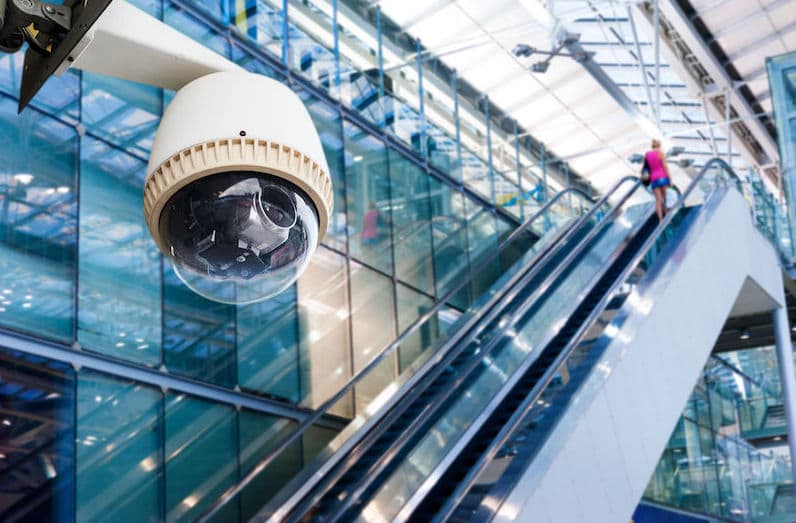
High-definition CCTV camera system on the Gold Coast Call Imperial Locksmiths on (07) 5520 5520
CCTV system planningCoverage, capture, recording and remote access

Plan the whole system

Start with what you need to see.

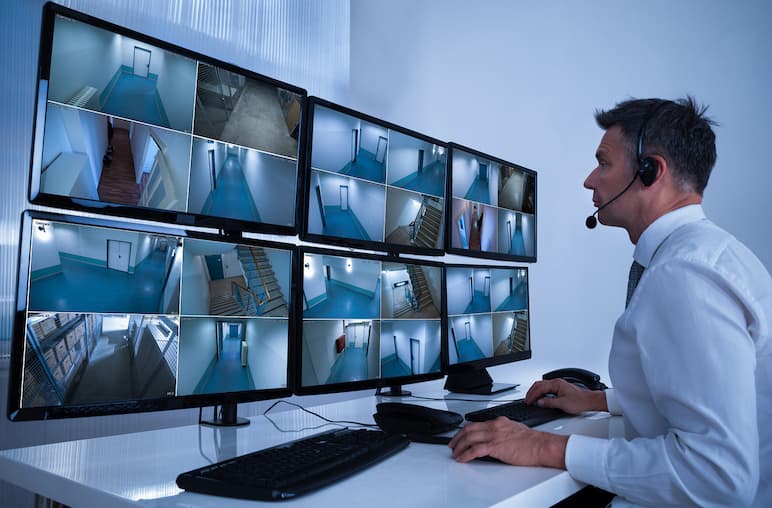
Modern CCTV may combine cameras, cabling or wireless networking, a recorder or other storage, and viewing through a monitor, phone, tablet or computer. Each part has to support the same outcome.

  • High-definition cameras
  • IP and network cameras
  • Low-light and night viewing
  • Pan, tilt and zoom options
  • Recording and storage planning
  • Remote viewing setup

Camera options

Different views need different hardware.

A wide overview, a face at an entry, a vehicle at a gate and a dark side passage are different jobs. Camera type, lens and position should follow the scene.

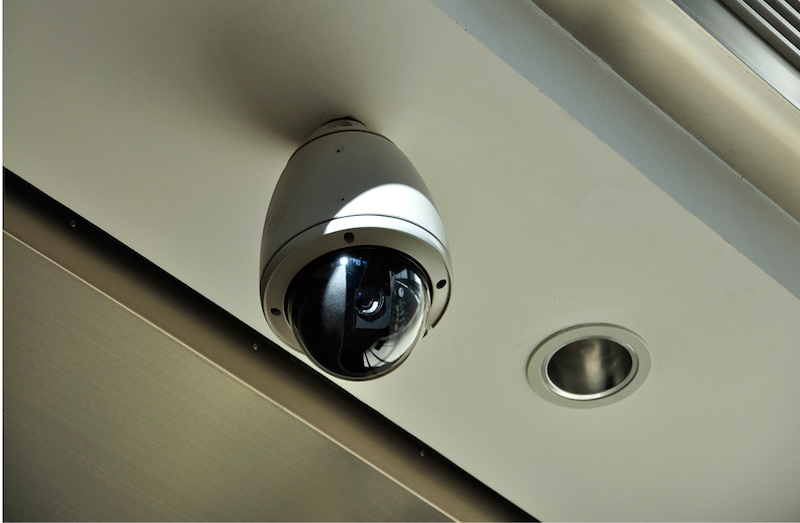
IP surveillance camera for a Gold Coast property
02 / Networked video

IP camera systems

IP cameras send video across a data network and can support small systems through to more complex installations. Depending on the site, options can include weather-resistant housings, vandal-resistant designs, low-light performance and controllable pan, tilt and zoom.

  • Weather-resistant options
  • Vandal-resistant options
  • Low light
  • Pan, tilt and zoom
Wi-Fi CCTV camera with supported remote viewing
03 / Flexible connection

Networked and Wi-Fi cameras

Wi-Fi can reduce data cabling where reliable wireless coverage is available, although cameras generally still need power. Supported systems can be configured for viewing from compatible phones, tablets and computers when the internet connection and equipment allow.

  • Phone and tablet viewing
  • Computer access
  • Remote monitoring
  • Supported audio options

System blueprint

Design backwards from the footage you need.

Before choosing a camera count, define the scenes, level of detail, operating conditions and the way footage will be recorded and viewed.

  1. Define the objectiveDecide whether each view is for overview, activity review, an entry point, a transaction area or another specific purpose.
  2. Map coverage and conditionsCheck distances, obstructions, light changes, weather exposure, mounting positions and network or cable routes.
  3. Match camera and lensSelect appropriate resolution, lens, housing and low-light or controllable-camera features for each scene.
  4. Plan recording and accessConsider storage duration, recorder or network capacity, viewing devices and supported remote access.
HomesShopsOfficesApartmentsCommercialMarine

Useful evidence

More pixels are not the whole picture.

Footage quality is the result of several connected choices. A camera with a high specification can still miss useful detail if the subject is too far away or the lighting overwhelms the scene.

  • 01
    Distance and lens

    The subject must occupy enough of the image. Lens selection and camera position determine whether a view is wide, detailed or somewhere between.

  • 02
    Lighting

    Low light, glare, headlights, strong backlighting and changing daylight can all affect the recorded image. The scene should be assessed in its real conditions.

  • 03
    Angle and movement

    A clear angle and appropriate shutter or exposure behaviour matter when people or vehicles move through the area.

  • 04
    Recording settings

    Frame rate, compression, storage capacity and retention settings influence how much footage is kept and the detail preserved.

  • 05
    Reliable access

    Remote viewing depends on compatible equipment, correct configuration and available internet connectivity. We confirm the supported options during planning.

Straight answers

CCTV camera FAQs.

These practical answers cover the information, equipment and viewing choices that help shape a useful system.

What information do you need to quote a CCTV system?

Useful details include the property type, areas to cover, lighting conditions, preferred recording period, remote-viewing needs and any existing network or camera equipment. A site assessment may still be needed.

Can I view the cameras from my phone, tablet or computer?

Supported networked systems can provide remote viewing through compatible software or apps when internet access, equipment and configuration allow. We confirm the viewing options for the proposed system.

What is the difference between IP and Wi-Fi cameras?

IP cameras send video over a data network. Some use a wired network connection and some use Wi-Fi. Wi-Fi reduces data cabling but cameras generally still need power and dependable wireless coverage.

Do you provide CCTV for both homes and businesses?

Yes. Systems can be planned for homes, apartments, offices, shops, commercial and industrial premises, and suitable marine applications.

Does a high-resolution camera guarantee identification?

No. Resolution is only one factor. Lens choice, subject distance, camera angle, lighting, motion, compression and recording settings all affect whether footage contains useful detail.

Can an existing CCTV system be upgraded?

Possibly. Compatibility depends on the cameras, recorder, cabling, network, storage and required outcome. We can assess the existing equipment and explain practical upgrade options.


Imperial Locksmiths Gold Coast
Imperial Locksmiths service and payment information

Planning a CCTV system?

Call with the property type, Gold Coast suburb and the areas you want to monitor. We will explain the information needed to plan coverage, equipment, recording and supported viewing options.

(07) 5520 5520
Call now · (07) 5520 5520